top of page

Step 1

Enter your personal information.
This information is the data your financial advisor would have on file associated with your account. This will enable Baird to validate the information entered to confirm your identity.

Step 2

Check your email.
An email confirmation will be sent to the email address entered.

Step 3

Create a User ID & password.
Continue creating your User ID and Password, Security Questions, telephone Number and eDelivery Preferences.

Step 4

Accept the terms of use.
Congratulations, your registration is complete! Review and complete the Baird Online Terms of Use agreement. And then click on any of the tabs to navigate and view your account information.

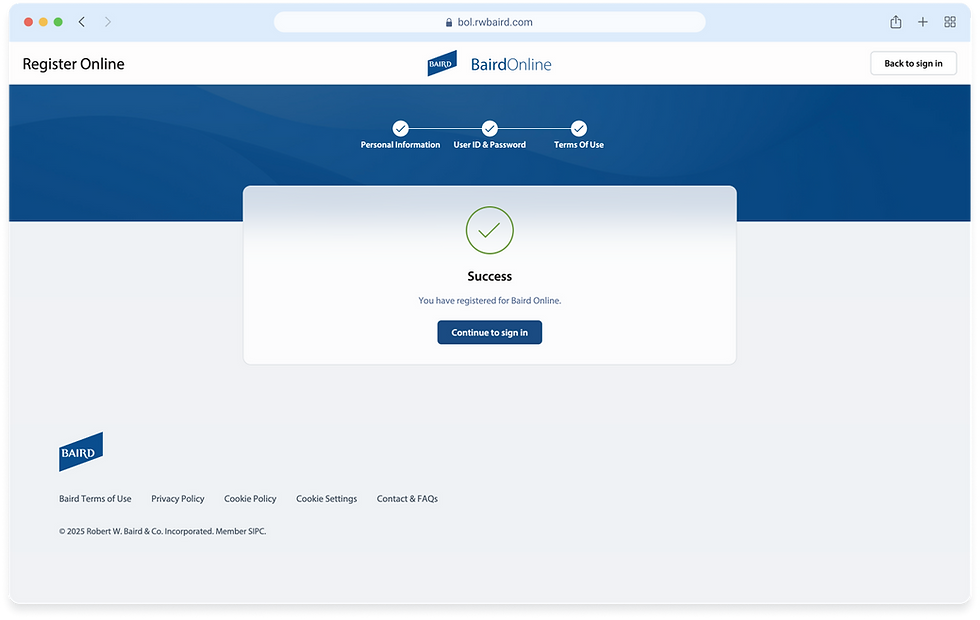
Success!

Registration complete.
After completing all four steps, you will have registered successfully for Baird Online and can continue to the sign in to your account.

bottom of page