
Wealth Planning
Offering a new way to engage with your finances and partner with your Financial Advisor, 360 Wealth & Planning on Baird Online brings to life the convenience of seeing your complete financial picture and financial plan in one place and the confidence of knowing your money is aligned with your goals.


Wealth Planning
Life Change Form
No matter where you are in your life's journey, there are things you want for yourself, your family and the causes you care about. A Baird Financial Advisor can help you prioritize and plan so you can achieve your goals of tomorrow without sacrificing what you want for yourself today.
Whether you're looking to pay off student loans, make your golden years your best years or create opportunities for future generations, we have the insight and expertise to help you get where you want to go.

Features & benefits
Baird’s Planning Process
Learn more about our Wealth Management and Planning process at Baird.
Select life or financial change
Ensure your financial plan reflects your current reality, by indicating a life or financial change has occurred.
Include a note to your financial advisor
Include a note with applicable information related to your life or financial change, so your advisor team can work with you to setup or adjust your financial plan.
Send to your financial advisor
After sharing this information with your advisor team, they will contact you to further discuss your life or financial change.
Your Baird Financial Advisor Team can help get you from where you are now to where you want to be.
Wealth Planning
My Plan
Periodically check-in on key attributes of your plan based on your unique goals established with your financial advisor team.

Recommended Plan Probability
Probability of success meter focuses on long-term success based on your goals.

Select a Plan
Use the dropdown in the top right to switch between plans.

Your Upcoming Goals
Offers several benefits that enhance Wealth Planning and and financial progress towards reaching your needs, wants, and wishes.

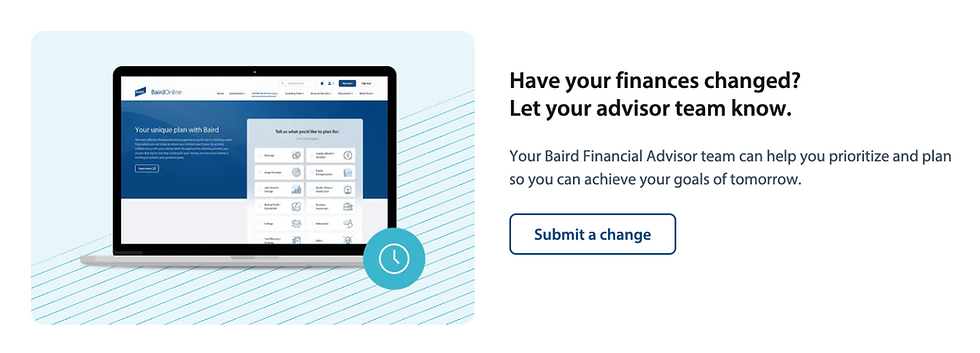
Submit a Change
Include a note with applicable information related to your life or financial change, so your advisor team can work with you to setup or adjust your financial plan.
Current Allocation
View your current comprehensive asset overview, estimated annual income, view historical data, or utilize interactive tools to segment your holdings in each asset class.

Net Worth
Your Baird Online net worth includes a comprehensive overview of your financial assets and liabilities. This includes real-time account information, accounts for net flows, and your asset allocation.

Wealth Planning
Compare to Current
To build a plan or a road map towards where you want to be, we have to start off where you are. In this section of 360 Wealth & Planning, you can see the results based on your current situation, and compare that against the recommendations we’ve partnered on to get you in the Confidence Zone.

Savings & Income Comparison
Identify any recommended changes to your planned savings or income strategy for items like social security.
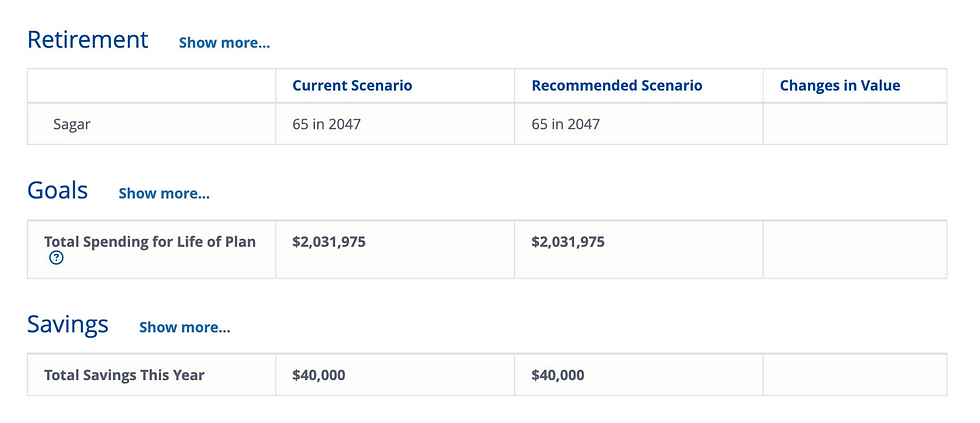
Plan Probability Comparison
Review key dates and spending amounts that take you from your current to recommended scenario.

Portfolio Allocation Comparison
Compare the current allocation to the model being used both before and after retirement.

FINANCIAL PLANNING
Plan Timeline
The plan timeline offers you view of your time horizon for each of your goals that are considered in your Financial Plan. Additionally, you will now be able to see how those expenses change throughout your retirement period based on the assumptions that are built into your plan.

Explore the features
Interactive goals
Interact with your goals by clicking on the goal legend.

Review your goal timeline
Review financial goals across your plan's time horizon.

Goal details
Review the details of all of your goals.

Wealth Planning
Plan Documents
From the My Plan page, link directly into the Documents tab to access your plan documents.

Upload documents
Click the upload documents button in the top right of the screen to send documents to your advisory team.

View & download
See a simple view of all your plan documents, all-in-one place.
